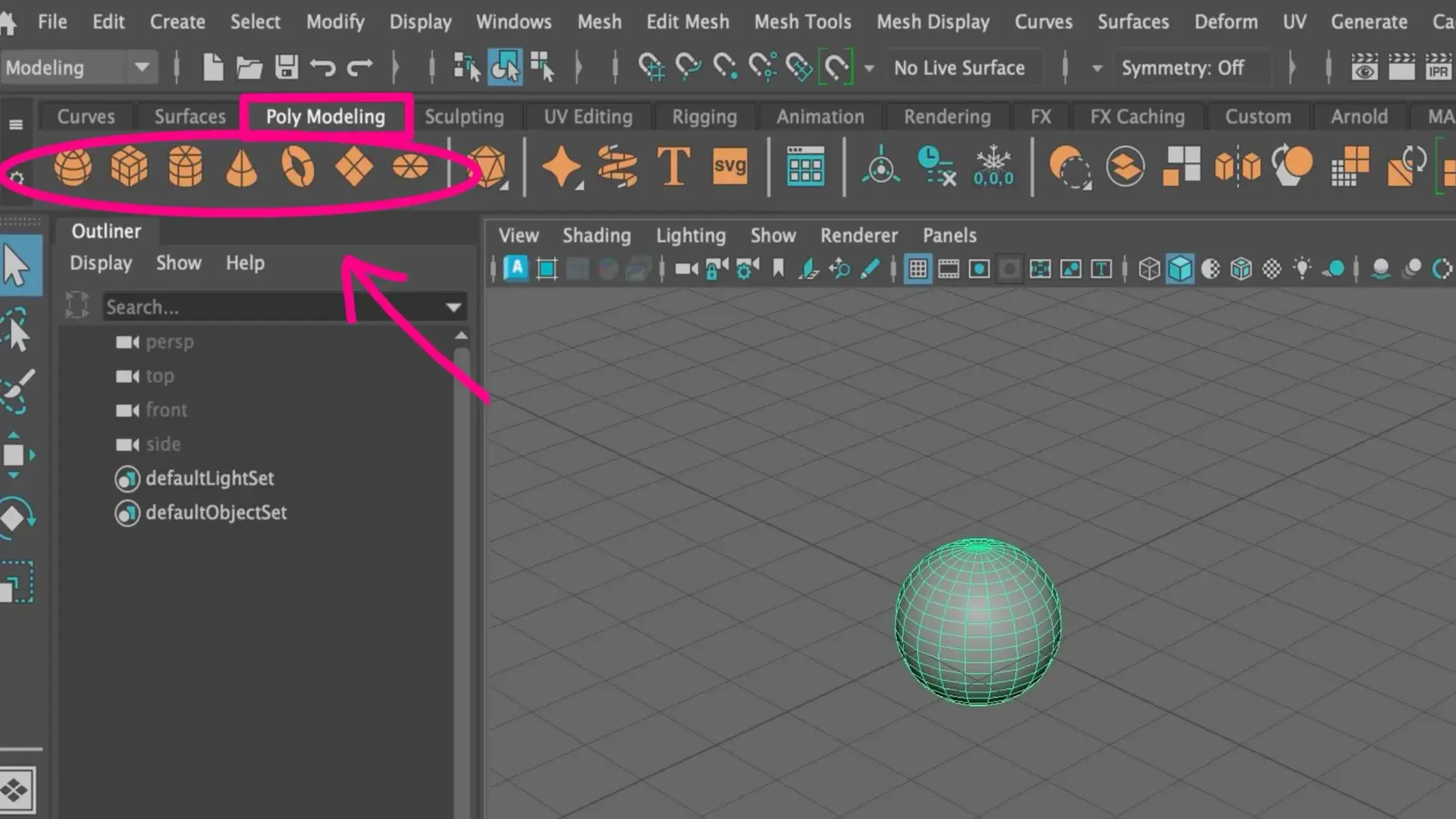

A short tour of the Autodesk Maya interface — workspace, viewport navigation, primitive shapes, modeling tools, and the channel box. For first-timers.
8 posts tagged
A short tour of the Autodesk Maya interface — workspace, viewport navigation, primitive shapes, modeling tools, and the channel box. For first-timers.
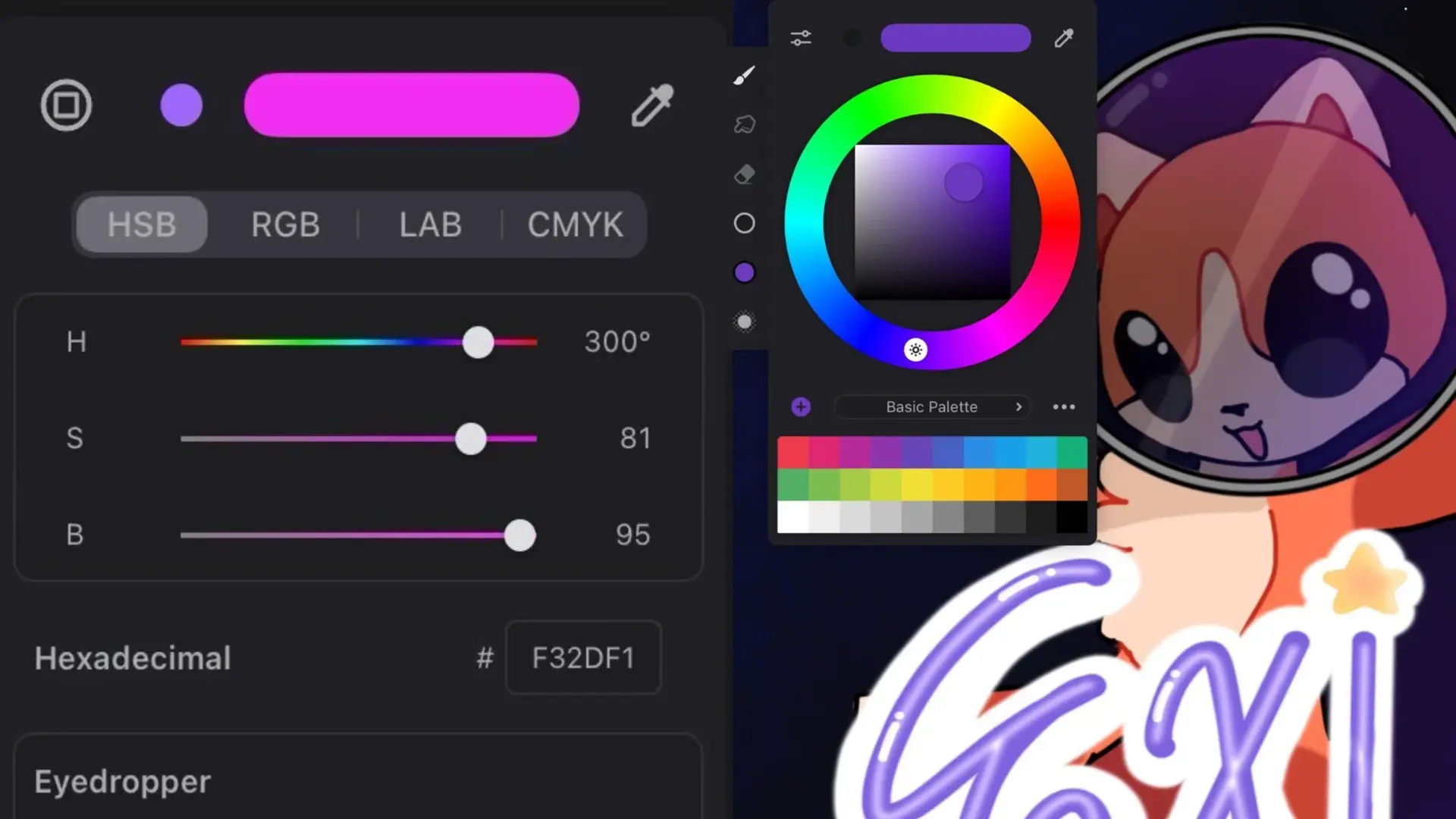
The Corel Painter colour picker in one tour — open the palette, the detailed mixer, the eyedropper, and how to build a custom palette from scratch.
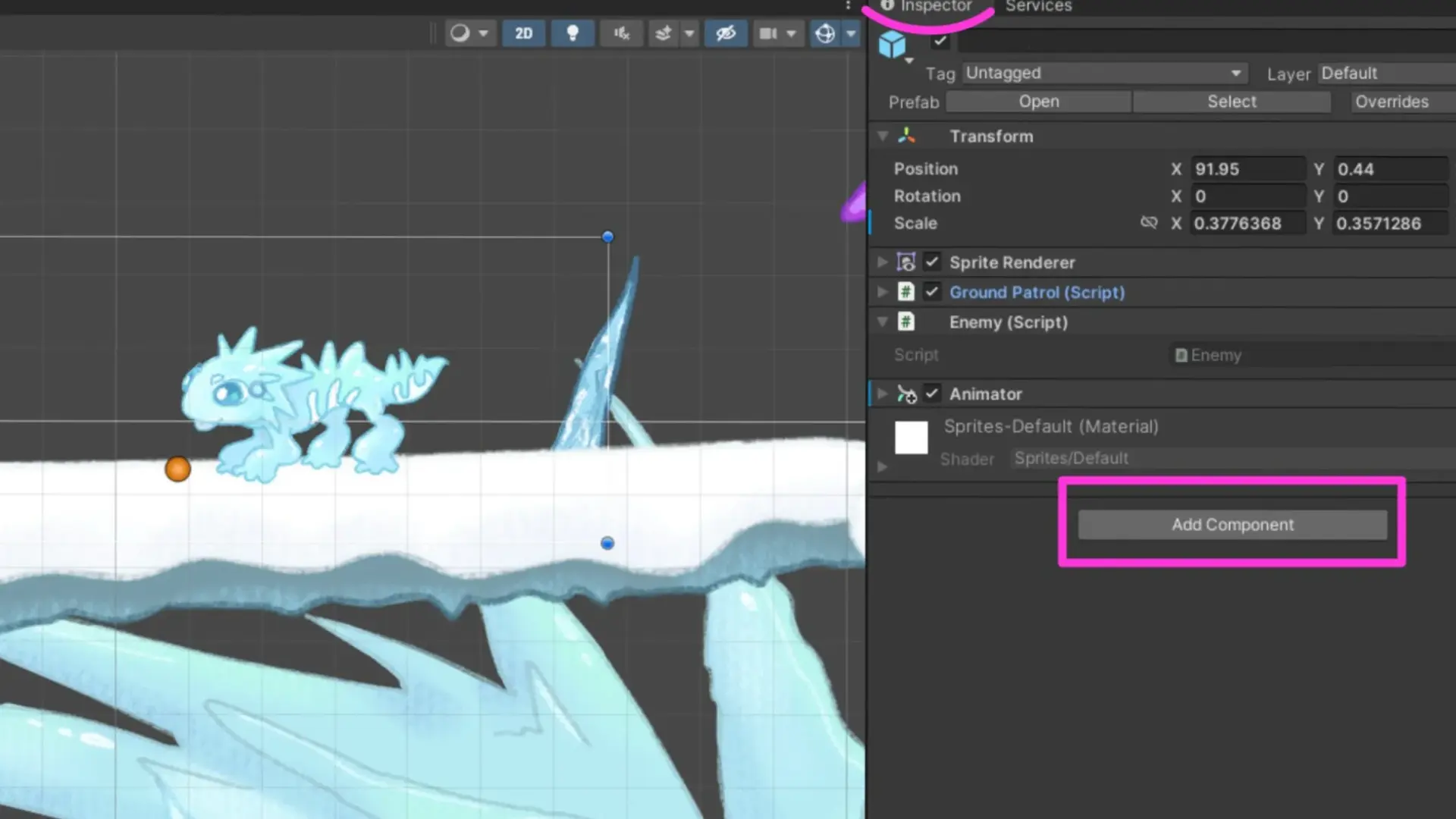
How to add and adjust a 2D collider on a sprite in Unity so it can actually collide with the world. The Inspector flow, in five clicks.
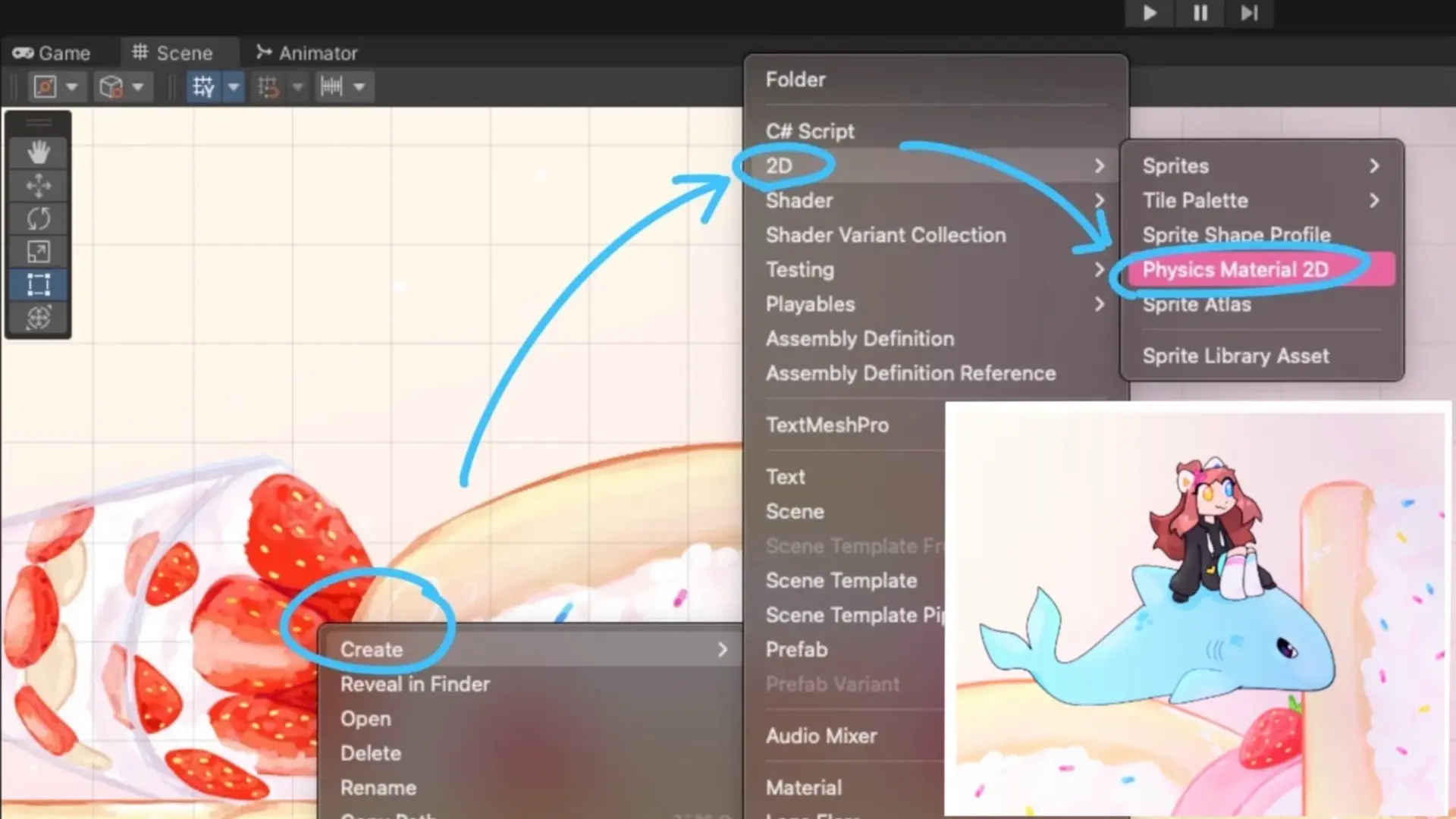
The quick fix for characters sticking to walls in 2D Unity — create a Physics Material 2D with zero friction and apply it to your player's Rigidbody 2D.
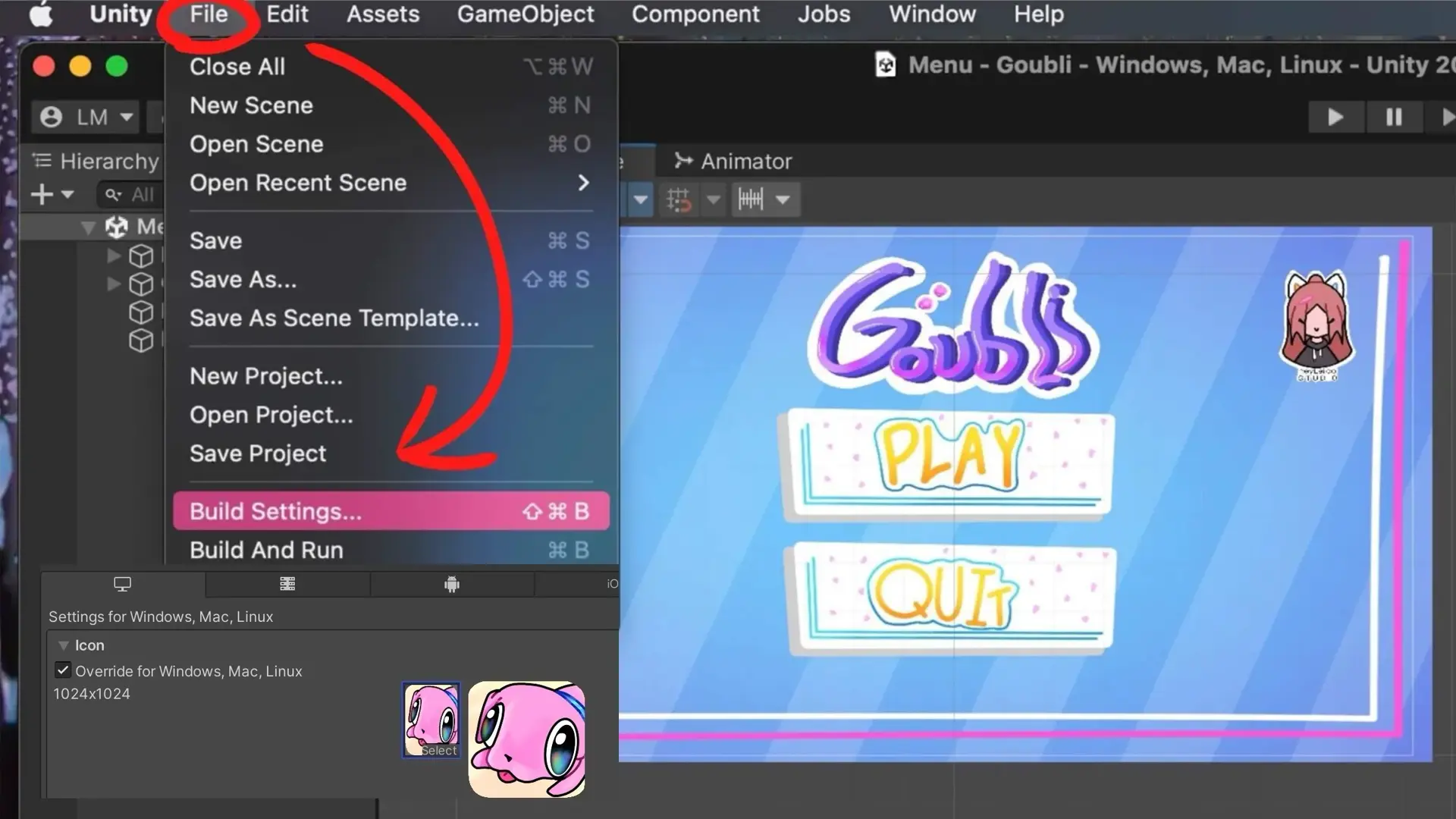
The shortest path to setting a game icon in Unity — File → Build Settings → Player Settings — plus fixes for the two mini-problems you'll run into.
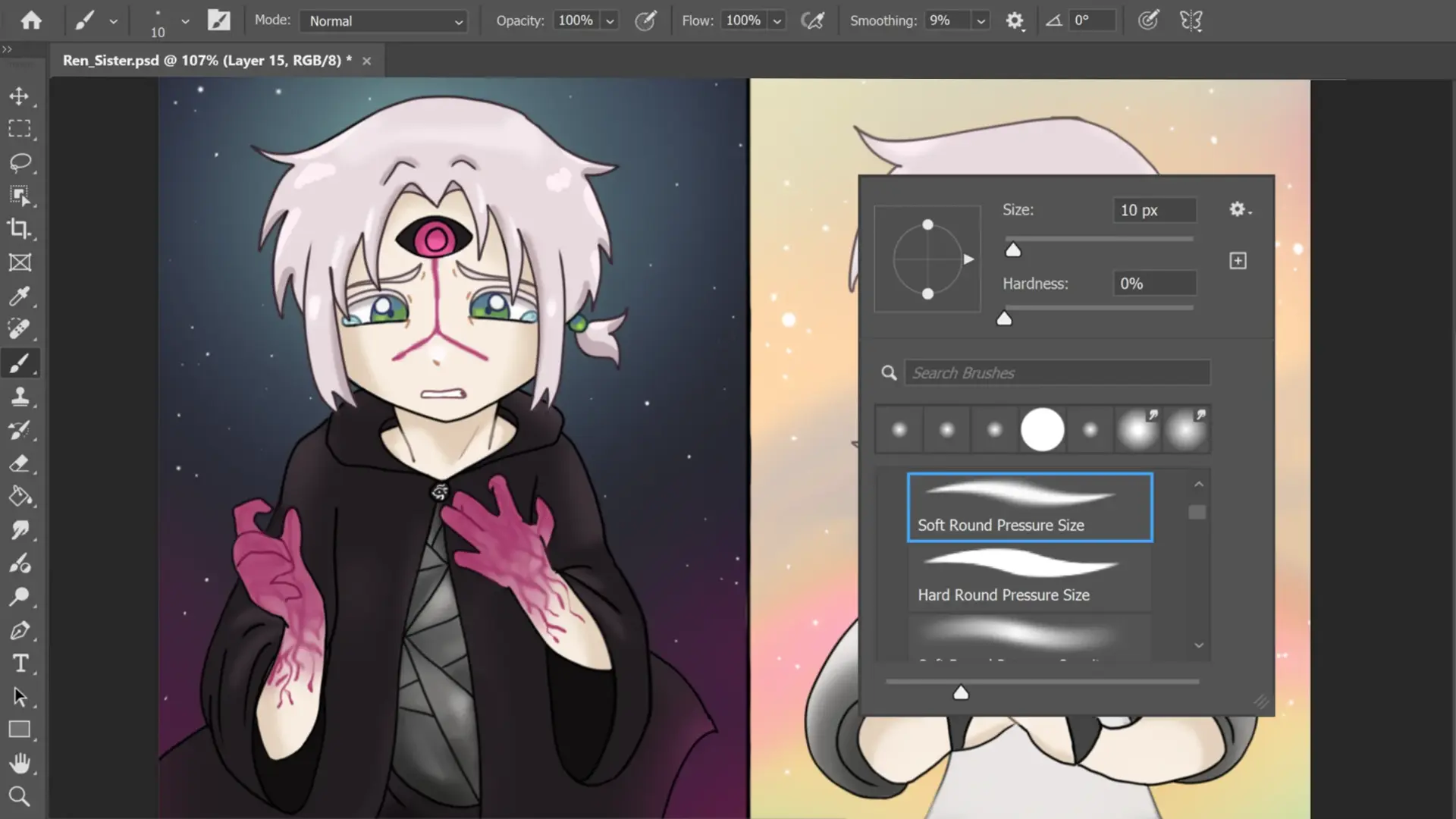
Where to find the Brush Panel, why Brush Settings matter, and how to load custom ABR brush sets — the three Photoshop brush moves every painter sets up first.
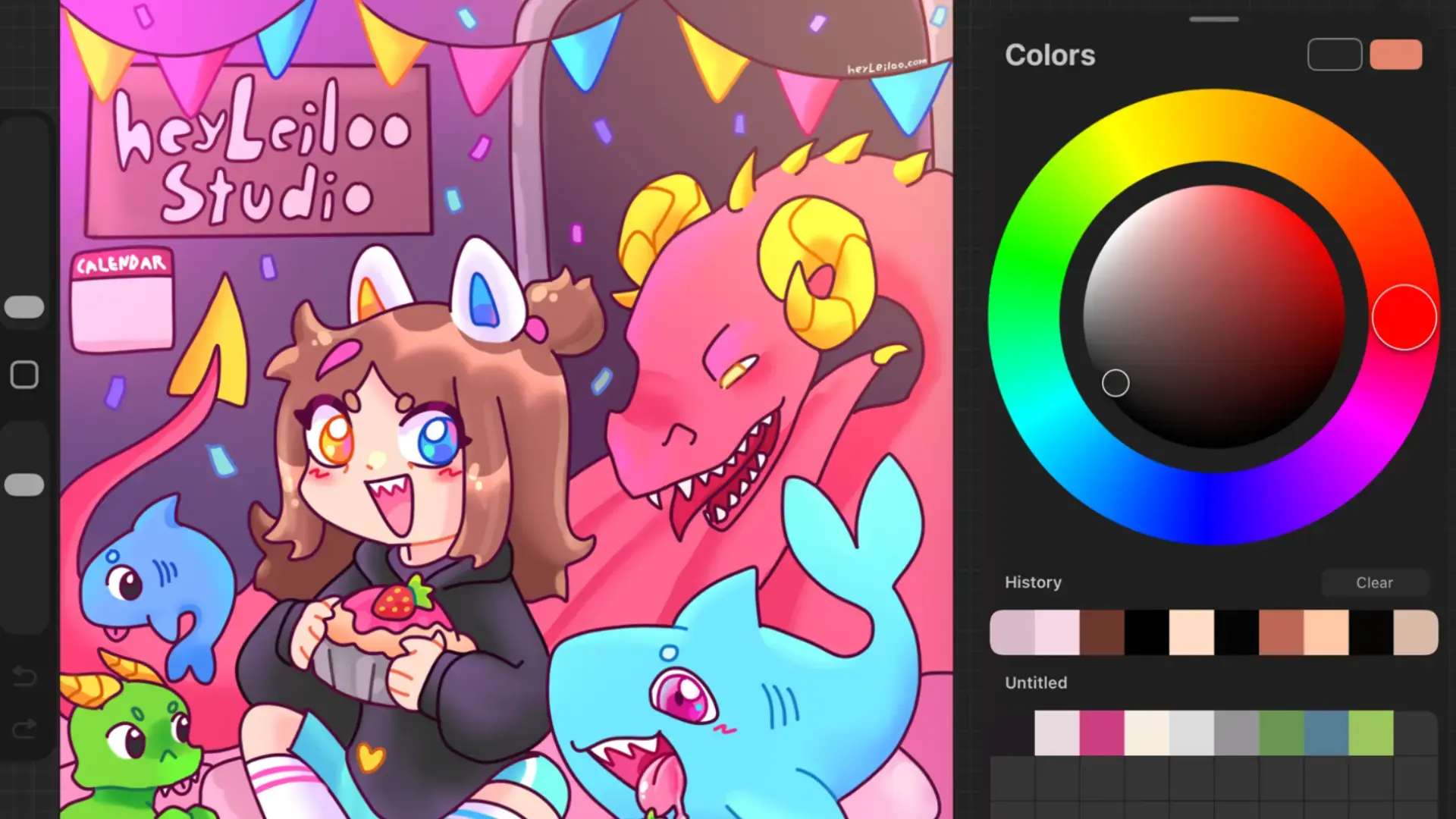
The tools I reach for when picking and applying color in Procreate — eyedropper, ColorDrop, and a tour of the Disc, Classic, Value, and Palettes modes.
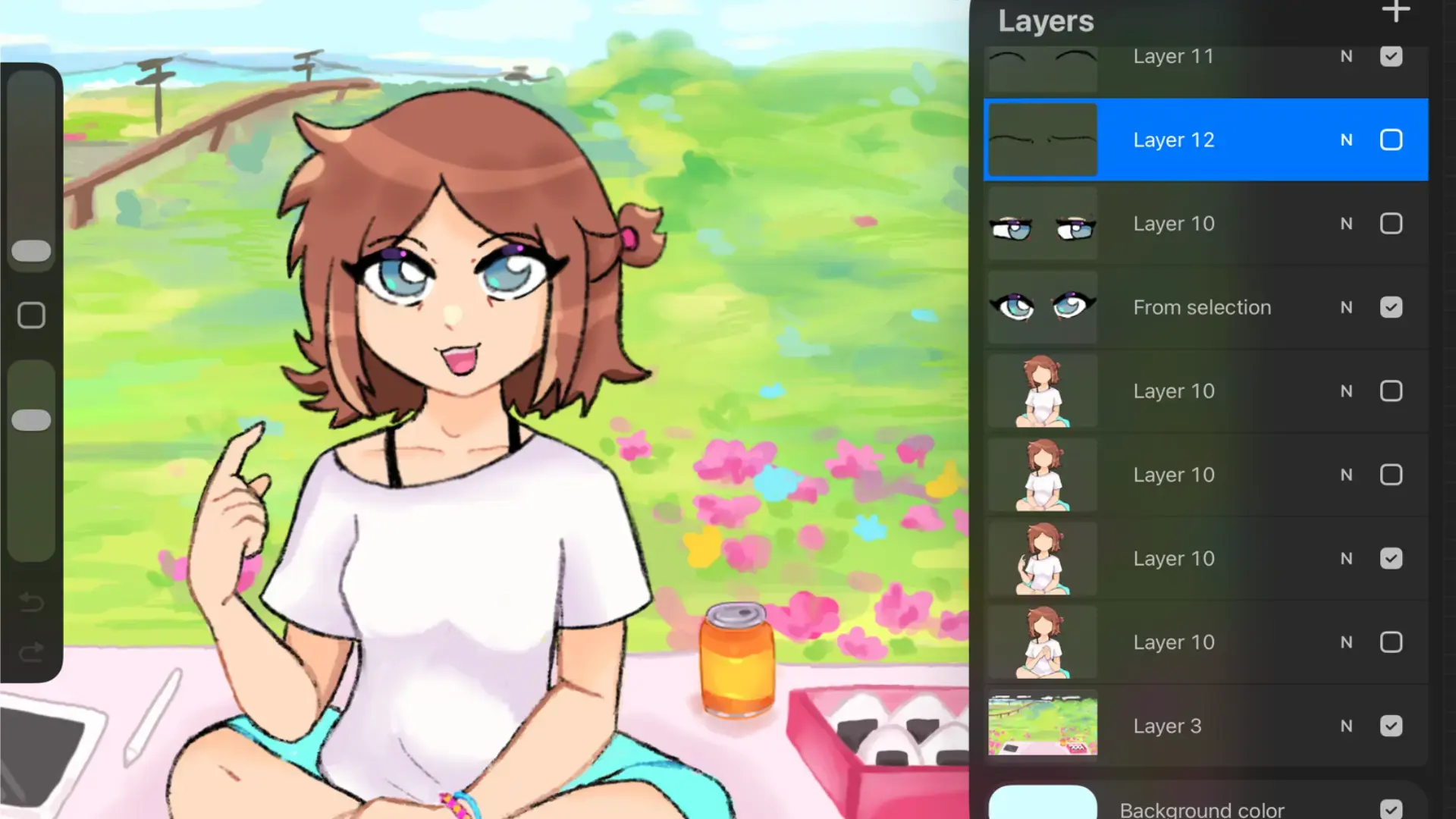
Layers let you stack image elements and edit one without breaking the others. Short tour — create, hide, duplicate, lock, alpha-lock, adjust visibility.